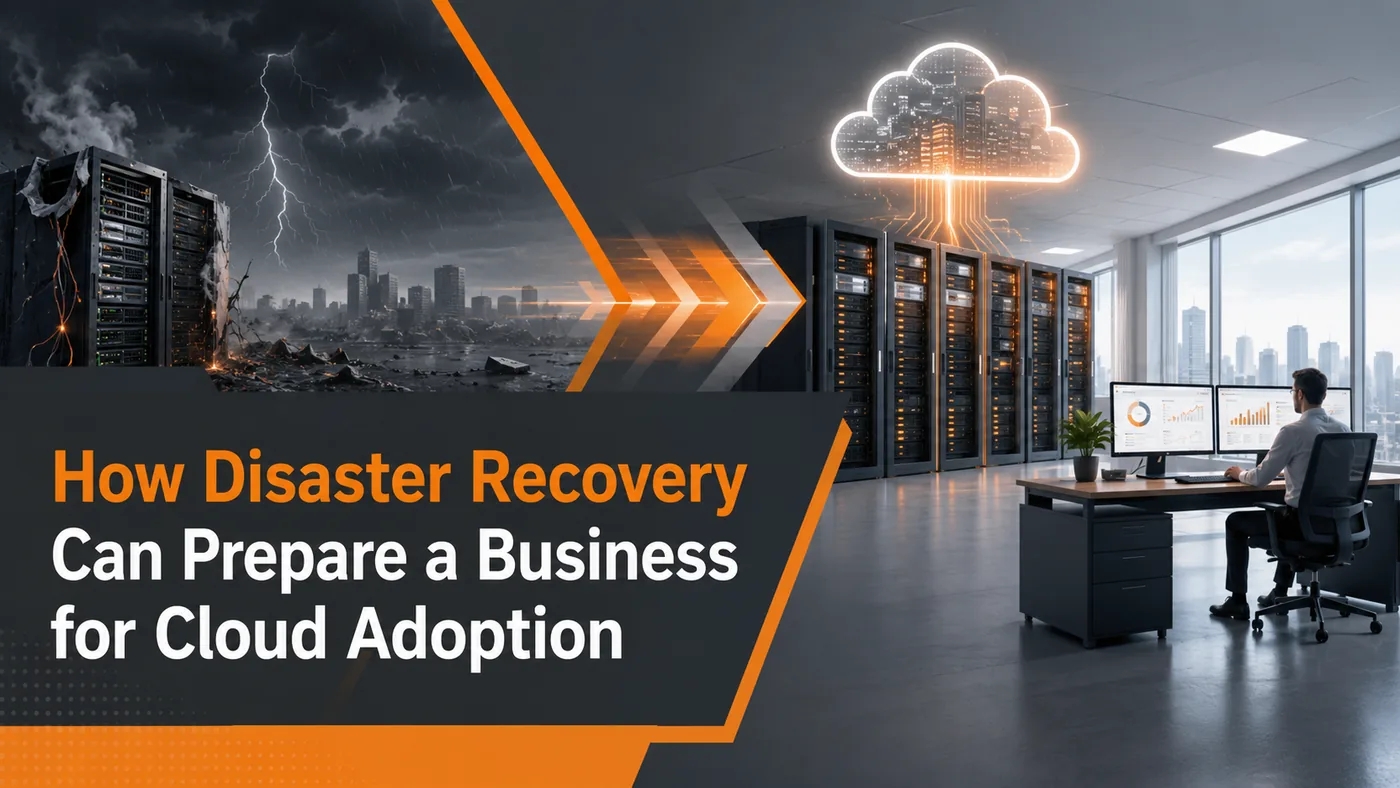
Technology failures rarely happen on a convenient schedule. A power outage, ransomware attack, hardware failure, or system outage can interrupt business operations within minutes.
At the same time, many organizations hesitate to move critical systems to the cloud because a full migration feels disruptive or risky. Existing applications may depend on local servers, specialized hardware, or older configurations that cannot be moved easily.
For some businesses, disaster recovery can provide a more manageable starting point. Instead of moving daily operations to the cloud all at once, an organization can use cloud infrastructure for recovery while learning more about how its systems may perform in a cloud environment.
Disaster Recovery as a Service Can Offer a Lower-Risk Starting Point
Disaster Recovery as a Service, or DRaaS, is a cloud-based service that replicates selected systems and data so they can be restored after a disruption.
Instead of maintaining a complete secondary data center, a business may use cloud infrastructure to host a recovery environment that can be activated if its primary systems become unavailable.
A DRaaS solution may replicate virtual servers, applications, databases, configurations, and other critical information. Its primary purpose is resilience: helping the business restore important systems more quickly than rebuilding them from the beginning.
For some organizations, DRaaS can also support cloud-readiness efforts by introducing cloud-based replication, recovery testing, networking, identity controls, and monitoring without requiring an immediate full migration.
Why Full Cloud Migrations Can Be Difficult
Cloud adoption is rarely as simple as moving files from one location to another.
Many organizations rely on applications designed for on-premises servers. These systems may depend on local databases, specialized hardware, legacy operating systems, licensing restrictions, or other business applications.
Moving them may require upgrades, redesign, testing, or replacement.
Leadership may also have concerns about:
- Downtime during migration
- Security and compliance
- Application performance
- Internet reliability
- Staff training
- Unexpected costs
A large "lift-and-shift" migration—moving workloads with few changes—can create problems if applications are transferred before their requirements are fully understood.
If several critical systems move at once, compatibility or performance issues may affect normal operations before the organization has developed experience managing the new environment.
How Disaster Recovery Can Support Cloud Readiness
A disaster recovery environment can provide a controlled way to test how selected systems behave in cloud infrastructure.
During scheduled recovery exercises, an organization may be able to:
- Confirm that replicated systems start correctly
- Test access to important applications
- Measure recovery times
- Identify networking or authentication problems
- Review application dependencies
- Determine which systems need upgrades
A failover is the process of switching from a primary environment to a recovery environment when the original systems are unavailable.
Testing failover helps confirm whether recovery actually works. It can also reveal whether applications perform as expected outside the primary on-premises environment.
These lessons can support better cloud decisions. Testing may show that one application can move easily while another depends heavily on local equipment or outdated software.
DRaaS Does Not Always Create Hands-On Cloud Experience
Using DRaaS does not automatically mean an internal IT team will gain substantial experience managing cloud infrastructure.
The amount of exposure depends on how the service is designed and who operates it.
In a fully managed arrangement, the provider may handle most replication, cloud configuration, monitoring, and failover tasks. The business may participate mainly in planning and recovery testing.
In another arrangement, an internal team may help configure recovery systems, manage access, test applications, and monitor performance.
Both approaches can be valuable, but they provide different levels of experience.
Organizations that want DRaaS to support broader cloud readiness should clarify:
- Which responsibilities belong to the provider
- Which tasks the internal team will perform
- Whether staff can access the recovery environment
- How often recovery exercises will occur
- What documentation and knowledge will be transferred
The value should not be assumed simply because the recovery environment is cloud-based.
When DRaaS May Be Appropriate
DRaaS may be a practical option for businesses that:
- Depend on important on-premises servers
- Need faster recovery than file backups alone provide
- Cannot tolerate extended downtime
- Want to test recovery procedures regularly
- Are considering a hybrid-cloud strategy
- Have legacy systems that cannot be migrated immediately
Recovery requirements should be defined before selecting a service.
A recovery-time objective is the target amount of time the business can tolerate before a system is restored. A recovery-point objective is the maximum amount of recent data the business can afford to lose.
These requirements help determine which systems should be replicated and how frequently data should be copied.
When DRaaS May Not Be the Best Fit
DRaaS is not appropriate for every organization or application.
Additional review may be needed when:
- Applications require specialized local equipment
- Software licenses restrict where systems can run
- Internet connectivity is unreliable
- Older applications cannot function in the recovery environment
- Recovery requirements are unclear
- Replication costs exceed the value of faster recovery
Some systems may require a different strategy, such as local high availability, application-level backups, vendor-managed recovery, or replacement with a modern cloud service.
The goal is not to place every workload into the same recovery model. It is to select an approach based on the operational importance and technical requirements of each system.
Disaster Recovery Is More Than Cloud Backup
Storing backup files in the cloud does not create a complete disaster recovery strategy.
Backups protect information, but recovery also requires a plan for restoring or activating the systems that use that information.
A complete recovery strategy should establish:
- Which systems are most critical
- The order in which they should be restored
- How quickly recovery must occur
- Who is responsible for each step
- How recovery will be tested
Regular testing is essential. A plan that has never been tested may fail because of outdated credentials, missing dependencies, software changes, or incomplete documentation.
DRaaS Can Support a Broader Cloud Strategy
The tools introduced for disaster recovery may later support a larger cloud initiative.
Replication, cloud networking, identity management, monitoring, and application testing can provide useful information when the business evaluates future modernization.
Recovery testing may help leadership identify:
- Applications that perform well in cloud infrastructure
- Systems that should remain on-premises
- Outdated applications that need replacement
- Network or bandwidth improvements that are required
- Workloads that may be ready for gradual migration
This does not mean disaster recovery must lead to a full cloud migration. For some organizations, a hybrid approach—keeping some systems on-site while using the cloud for recovery or selected applications—may remain the best long-term model.
Build Resilience Before Pursuing Transformation
Disaster recovery should not be viewed only as insurance against a rare emergency. It can also help an organization better understand its systems, dependencies, recovery priorities, and cloud readiness.
For the right business, DRaaS can provide a measured starting point by strengthening resilience first and allowing broader cloud decisions to follow at a manageable pace.
The approach works best when recovery goals are clearly defined, responsibilities are documented, testing occurs regularly, and the service is designed around the organization's actual needs.
Superior Technical Solutions helps businesses evaluate backup and recovery requirements, compare disaster recovery options, test recovery procedures, and determine whether cloud-based recovery fits into a broader technology strategy.
Schedule an IT assessment with STS to identify critical systems, clarify recovery priorities, and build a practical plan for business resilience and future cloud adoption.