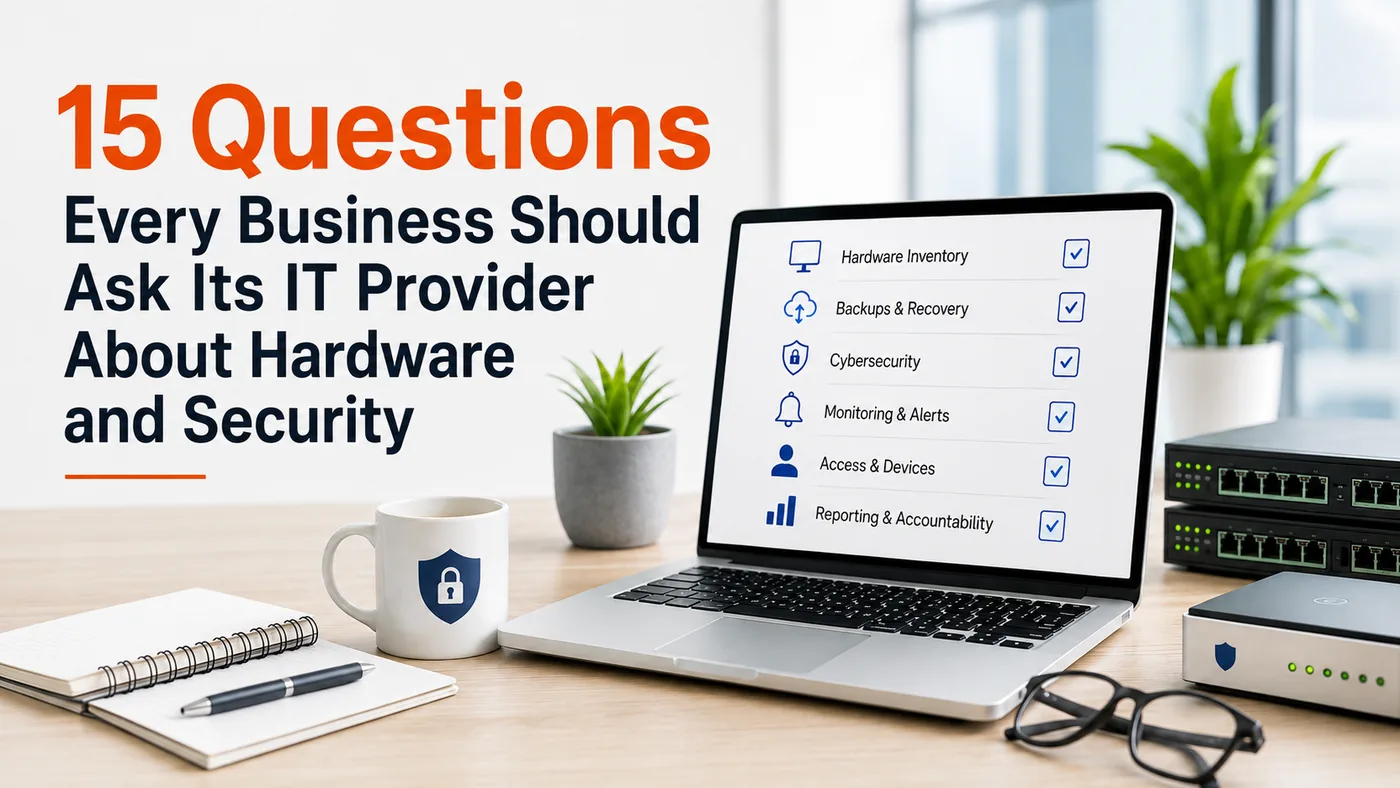
How to evaluate hardware management, backups, cybersecurity, monitoring, and accountability.
A business may rely on dozens—or even hundreds—of connected devices every day. Workstations, laptops, servers, firewalls, backup appliances, printers, wireless access points, phones, cameras, and other systems all help keep operations moving.
Yet when business leaders ask how those systems are being maintained, they may receive a vague answer:
"We handle that."
That may sound reassuring, but it does not provide visibility.
A strong IT provider should be able to explain what is being monitored, how often it is reviewed, who is responsible, what happens when something fails, and what evidence is available.
These 15 questions can help business leaders evaluate whether their hardware, backups, cybersecurity, access, and equipment lifecycle are being managed proactively.
Hardware Visibility and Lifecycle Planning
Good technology management begins with knowing what equipment the business has.
Without a current inventory, it is difficult to identify unsupported devices, confirm security coverage, plan replacements, or understand what may be affected during an incident.
1. Do you maintain a current inventory of our devices and equipment?
The inventory should include more than employee computers. It may also cover:
- Laptops and mobile devices
- Servers and storage systems
- Firewalls, switches, and wireless access points
- Backup hardware
- Printers and scanners
- Conference-room equipment
- Security cameras and access-control systems
- Other connected devices
A complete inventory creates the foundation for maintenance, cybersecurity, budgeting, and troubleshooting.
2. What information do you track, and how often is it updated?
Useful records may include each device's location, user, purpose, age, operating system, warranty status, encryption, security coverage, backup status, and expected replacement date.
The inventory should be updated when equipment is added, moved, reassigned, replaced, or retired. It should also be reviewed regularly to identify devices that may have stopped reporting or fallen outside normal management.
3. How do you identify aging or unsupported equipment?
An IT provider should monitor more than the original purchase date. It should also consider:
- Warranty expiration
- Manufacturer support
- Operating system status
- Software compatibility
- Recurring performance issues
- Availability of replacement parts
- Security tools the device can support
Leadership should receive enough notice to budget and replace critical equipment before it creates downtime or security risk.
Backups and Recovery
A backup is valuable only when the business can recover from it.
A successful backup notification does not prove that the data is complete, usable, or restorable. Leaders should understand what is protected, how failures are handled, and whether recovery has actually been tested.
4. How often are backups checked?
The provider should monitor backup jobs, investigate failures, and confirm that expected systems and data were included.
Leadership should also know who reviews backup failures, how quickly problems are escalated, and how long an unsuccessful backup can remain unresolved.
5. How often are backups test-restored, and can you show us the results?
A test restore confirms whether backed-up data can actually be recovered.
The provider should be able to explain:
- What was restored
- When the test occurred
- Whether it succeeded
- How long recovery took
- Whether follow-up work was required
This helps distinguish between simply having backup software and maintaining a dependable recovery process.
6. What exactly is—and is not—being backed up?
Organizations should ask whether backups cover:
- Servers and workstations
- Files and databases
- Business applications
- Cloud systems
- Email and collaboration platforms
- System configurations
- Other critical business information
The provider should also clearly explain any systems, devices, or data that are excluded.
7. What happens if a backup cannot be restored?
A stronger recovery strategy may include multiple backup copies, offsite storage, an offline or immutable copy, documented retention periods, and alternative recovery methods.
The goal is not only to store information. It is to preserve the organization's ability to restore critical operations when something goes wrong.
Security and Monitoring
Installing security software is not the same as maintaining a secure environment.
Security tools require monitoring, updates, investigation, and response. A business should understand both what protection is in place and what happens when that protection fails or generates an alert.
8. Are all eligible devices encrypted?
Encryption helps protect information when a laptop, drive, or other device is lost, stolen, or accessed by the wrong person.
The provider should know which devices are encrypted, which are not, and why. Portable devices deserve particular attention because they are more likely to leave the organization's physical control.
9. How do you track failed patches and updates?
Automatic updates can fail because devices are offline, lack storage space, experience software conflicts, or stop reporting to management tools.
The provider should explain:
- How failures are detected
- Who reviews them
- How they are corrected
- How quickly critical updates are addressed
- How long unresolved failures may remain open
A dashboard showing that updates were scheduled is not the same as proof that they were installed successfully.
10. What happens when a device stops reporting?
A missing device may indicate a technical problem, employee change, unmanaged system, or security concern.
The provider should investigate devices that stop checking in to monitoring, patching, or security tools. Otherwise, a system may lose protection without anyone noticing.
11. Who reviews security alerts, and is monitoring active after hours?
Security platforms can generate large numbers of alerts, but those alerts only help when someone reviews and responds to them.
Leadership should understand:
- Who monitors alerts
- What hours monitoring is active
- Which events trigger escalation
- Who is contacted during an incident
- How actions are documented
Businesses should not assume that every security tool includes round-the-clock human monitoring.
12. What is your incident-response process?
The provider should be able to explain what happens when suspicious activity becomes a confirmed security incident.
A clear response process should address:
- Who investigates the event
- How affected devices or accounts are isolated
- Who contacts business leadership
- What the business is expected to do
- How cyber insurance or outside specialists are involved
- How recovery and documentation are handled
The middle of an incident is not the time to determine who owns each responsibility.
13. Can you provide understandable reports showing recent activity?
Depending on the service agreement, reports may include:
- Patch and update status
- Endpoint protection coverage
- Encryption status
- Backup results
- Device health
- Security alerts
- Hardware lifecycle information
- Open risks and recommended actions
Reports should be clear enough to support business decisions. A large technical report has limited value if leadership cannot understand what requires attention.
Access and Equipment Retirement
Technology risk does not end when an employee leaves or a device is removed from service.
Old accounts, unnecessary permissions, forgotten equipment, and improperly disposed storage devices may continue exposing the business.
14. How do you manage employee, administrator, and vendor access?
The provider should explain how access is handled when:
- An employee leaves
- A person changes roles
- A contractor or vendor no longer requires access
- An account becomes inactive
- Administrative privileges are no longer justified
The process should include clear ownership, timely action, and documentation. It should also address who is authorized to request access changes and how those requests are verified.
15. How do you securely retire old equipment?
Retired computers, servers, backup drives, phones, printers, and other devices may still contain sensitive information.
The retirement process should include:
- Removing the device from active management systems
- Confirming important information has been transferred or backed up
- Securely wiping or destroying storage media
- Updating the hardware inventory
- Documenting how and when the device was disposed of
Equipment sitting in a storage room is not necessarily secure. It remains a potential source of data exposure until it has been handled properly.
How to Evaluate the Answers
The purpose of these questions is not to catch an IT provider making a mistake. It is to create clarity.
Strong answers should be:
- Specific. "Backups are reviewed every morning" is more useful than "We check them regularly."
- Supported by evidence. Reports, logs, records, and test results should be available when appropriate.
- Clear about ownership. Someone should be responsible for reviewing failures, responding to alerts, and completing follow-up work.
- Transparent about limitations. A trustworthy provider should explain what is covered, what is not covered, and where additional protection may be needed.
- Focused on improvement. The provider should identify risks, recommend priorities, and help leadership plan ahead rather than waiting for a failure.
Vague answers do not always mean that nothing is being done. They may, however, indicate that processes are informal or that leadership lacks the visibility needed to evaluate risk.
A Good IT Provider Should Welcome These Questions
Business leaders do not need to understand every technical detail of their environment. They should understand how their critical systems are being protected, maintained, and recovered.
The right IT provider should be proactive, transparent, and accountable. It should be willing to explain what is being managed, provide evidence where appropriate, identify areas for improvement, and help leadership make informed decisions.
A provider focused on the organization's success should not be threatened by thoughtful questions.
It should expect them.
Take the Next Step
Hardware visibility, backup testing, security monitoring, access management, incident response, and replacement planning all work together. A weakness in one area can affect the entire business.
Superior Technical Solutions helps organizations review their technology environments, identify gaps, and build practical plans for improving security, reliability, and performance.
Not sure how the current IT environment measures up? Schedule an IT assessment with STS to get a clearer picture of what is protected, what needs attention, and what should happen next.