You finish a meeting and immediately move on to the next thing on your calendar.
An hour later, someone asks a question.
"Who was supposed to follow up with the vendor?"
You remember discussing it. You remember several good ideas. But you can't remember exactly who agreed to do what.
Someone probably wrote it down.
Maybe.
Now imagine having a written summary of the meeting, including important decisions, discussion points, and action items, ready for review shortly after the conversation ends.
That's one of the things AI meeting assistants promise to do.
And for busy business owners and managers, it sounds pretty appealing.
But before inviting an AI assistant into every meeting, it's worth understanding what these tools do, where they can help, and what your business should consider before using them.
What Is an AI Meeting Assistant?
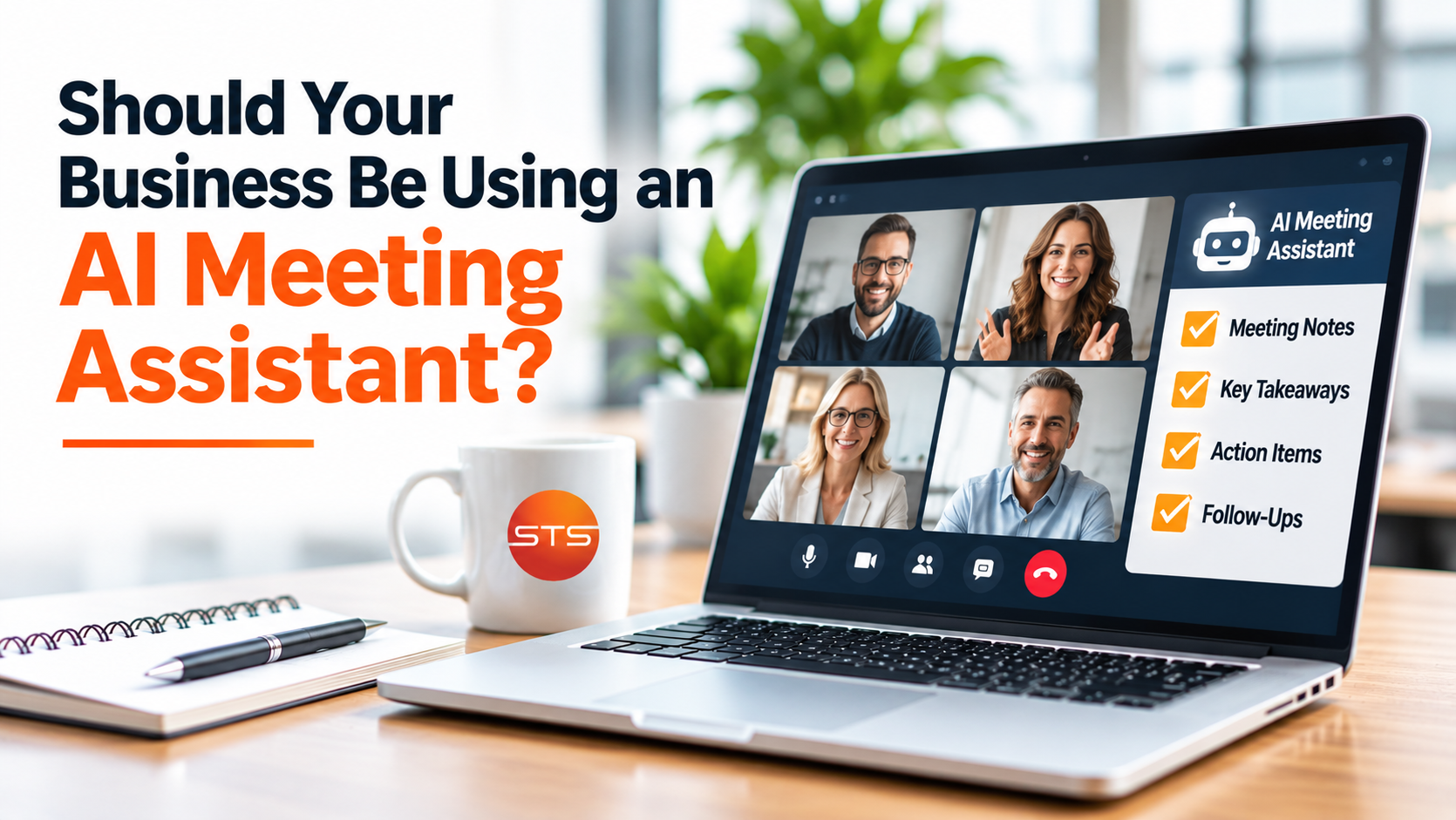
An AI meeting assistant is software that uses artificial intelligence to capture, transcribe, summarize, or organize meeting information.
Depending on the product, it may work with video meetings, recorded conversations, or supported in-person audio.
Some tools generate transcripts. Others create summaries, identify potential action items, or organize discussions into categories.
Certain platforms can also connect meeting information to calendars, project management software, or other business applications.
The idea is straightforward.
Instead of having someone spend the entire meeting trying to write everything down, the technology helps produce a record of what was discussed.
But these tools aren't all the same.
Features, accuracy, storage practices, security controls, and integrations vary between providers.
That's why choosing the right tool matters more than simply choosing the one with the longest feature list.
How Much Time Could an AI Meeting Assistant Save?
Think about how many meetings happen in an ordinary week.
There are management meetings, employee check-ins, project updates, customer calls, and vendor conversations.
Now consider the time spent afterward.
Someone writes a summary, organizes action items, updates a task list, and sends follow-up emails.
That work is necessary, but it also takes time.
Imagine a manager attends six meetings per week and spends 15 minutes organizing notes after each one.
That's 90 minutes per week, or approximately 75 hours over 50 working weeks.
An AI assistant might reduce some of that administrative work.
However, the savings aren't guaranteed.
Someone still needs to check summaries, correct mistakes, and confirm action items.
The real benefit comes from reducing repetitive work while keeping people responsible for the final information.
AI Can Help People Focus on the Conversation
One less obvious benefit is that people may be able to participate more fully.
Imagine discussing an important customer project.
You're trying to listen, ask questions, think through solutions, and write down every detail.
That's a lot to manage simultaneously.
A meeting assistant can help capture the conversation so participants can focus more on the discussion.
That may be particularly useful during brainstorming sessions, project reviews, or meetings involving several decisions.
But AI-generated notes shouldn't replace active listening.
The tool doesn't understand your business priorities the same way your team does.
It may capture what was said without recognizing which details were most important.
People still need to identify and confirm the decisions that matter.
How Accurate Are AI Meeting Summaries?
AI meeting assistants can produce useful summaries, but they can make mistakes.
For example, a tool might misunderstand someone's name, incorrectly transcribe a technical term, or attribute a statement to the wrong person.
Background noise, overlapping conversations, and poor audio quality can affect transcription.
Summaries introduce another potential problem.
An AI system may shorten a complicated discussion in a way that leaves out important context.
Consider a manager saying:
"We could launch the new service in January, but only if the budget is approved and testing is successful."
An inaccurate summary might simply say:
"Launch the new service in January."
Those statements don't mean the same thing.
That's why important decisions, commitments, and action items should be verified before summaries are shared or treated as official records.
AI can help create the first draft.
A person should remain responsible for confirming its accuracy.
What Happens to the Information Recorded?
This is where businesses need to pay particular attention.
Meetings often include confidential information.
Think about employee discussions, customer details, financial information, contracts, and future business plans.
When an AI meeting assistant records or transcribes those conversations, the information may be processed by an outside service.
Depending on the product, recordings, transcripts, and summaries may also be stored in the provider's systems.
Before approving a tool, businesses should understand:
Where recordings and transcripts are stored.
Who can access the information.
How long data is retained.
Whether information is used for AI model training.
Whether recordings and transcripts can be deleted.
What security and administrative controls are available.
Some business-focused services provide additional protections and administrative settings.
But those protections shouldn't be assumed.
The provider's actual terms, settings, and data-handling practices need to be reviewed.
Do You Need Permission to Record a Meeting?
Recording and transcription laws vary by location and circumstances.
Some jurisdictions generally permit certain recordings with one participant's consent, while others require consent from all parties involved.
Additional rules may apply based on the conversation, participants' locations, workplace policies, and information being discussed.
Online meetings can include people in different states or countries, so businesses shouldn't assume that one set of rules always applies.
A responsible approach is to establish a clear company policy, notify participants before recording or transcription, and obtain any consent required by law.
Employees should also know how to handle situations where someone objects.
And remember, recording isn't automatically appropriate simply because software makes it easy.
For certain sensitive discussions, choosing not to use an AI meeting assistant may be the better decision.
Are There Meetings Where AI Shouldn't Be Used?
Not every conversation needs to be recorded or summarized by an outside service.
Some meetings deserving special consideration include:
Employee performance or disciplinary discussions
Conversations involving sensitive financial information
Meetings containing confidential customer data
Discussions involving protected health information
Legal advice or potentially privileged communications
Confidential business negotiations
This doesn't mean AI tools can never be used in sensitive or regulated environments.
It means those situations require appropriate evaluation, safeguards, contractual protections, and legal or compliance review when applicable.
In some cases, the right decision will be not to use the tool.
A practical company policy should establish those boundaries before employees encounter them.
What About AI Assistants That Automatically Join Meetings?
Some meeting assistants connect to employees' calendars and automatically join scheduled calls.
That sounds convenient.
But imagine inviting a potential business partner to a confidential conversation, only to discover an AI recording assistant has joined without anyone mentioning it.
Even if the tool is functioning as designed, the experience may make participants uncomfortable.
Automatic attendance should be configured carefully.
Employees should understand which meetings the tool can join, how recording is disclosed, and what happens if participants decline.
A useful feature shouldn't create confusion about who—or what—is listening.
How Should Businesses Choose an AI Meeting Assistant?
Before subscribing, start with the problem you're trying to solve.
Are employees spending too much time writing notes?
Are important action items being forgotten?
Do managers need more consistent meeting summaries?
Or is someone interested simply because the tool is new?
Once the goal is clear, evaluate available options.
Consider whether your existing meeting platform already includes suitable AI features. That may reduce the need for another vendor, although its privacy and security settings still require review.
Then evaluate accuracy, administrative controls, data retention, pricing, and integration requirements.
Also determine who will review summaries and where approved records will be stored.
An AI meeting assistant should fit existing workflows rather than create another disconnected system.
Start With a Small, Controlled Trial
You don't need to introduce an AI meeting assistant to every employee immediately.
A small pilot can help determine whether the tool provides meaningful value.
Choose a limited group of employees and appropriate meetings that don't involve sensitive information.
Decide what success looks like.
For example, measure whether the tool reduces note-taking time, captures action items accurately, and produces summaries employees find useful.
Review its mistakes as well as its benefits.
You may discover that it works well for internal project meetings but isn't suitable for confidential customer discussions.
That information helps determine where the tool belongs in your business.
AI Should Support Your Team, Not Replace Their Judgment
AI meeting assistants show how artificial intelligence can help with everyday business tasks.
They may reduce administrative work, improve documentation, and make follow-up easier.
But their value depends on how they're used.
A tool that produces inaccurate summaries, mishandles sensitive information, or creates confusion about recording could introduce more problems than it solves.
Businesses should approach these systems with a clear purpose, sensible policies, and human oversight.
The goal isn't to use AI in every meeting.
It's to use AI where it genuinely improves how people work.
Before adopting a meeting assistant, ask:
Will this tool help our team spend more time on meaningful work, and do we have the right safeguards in place to use it responsibly?
That's a better starting point than simply asking which AI tool is most popular.