Most business owners know that technology requires an investment.
Computers need replacing. Software subscriptions need renewing. Networks need maintaining. Cybersecurity protections need regular attention.
But when everything seems to be working, it's tempting to postpone technology expenses.
That server still turns on every morning. The office computers are a little slower than they used to be, but employees manage. The network equipment hasn't caused major problems recently.
Why spend money maintaining or replacing something that appears to be working?
It's an understandable question.
The challenge is that technology doesn't have to stop working completely to create problems.
Sometimes the real costs of neglected technology appear elsewhere: emergency expenses, business interruptions, security risks, customer frustration, or unpredictable budgets.
And those costs aren't always obvious until they've already affected the business.
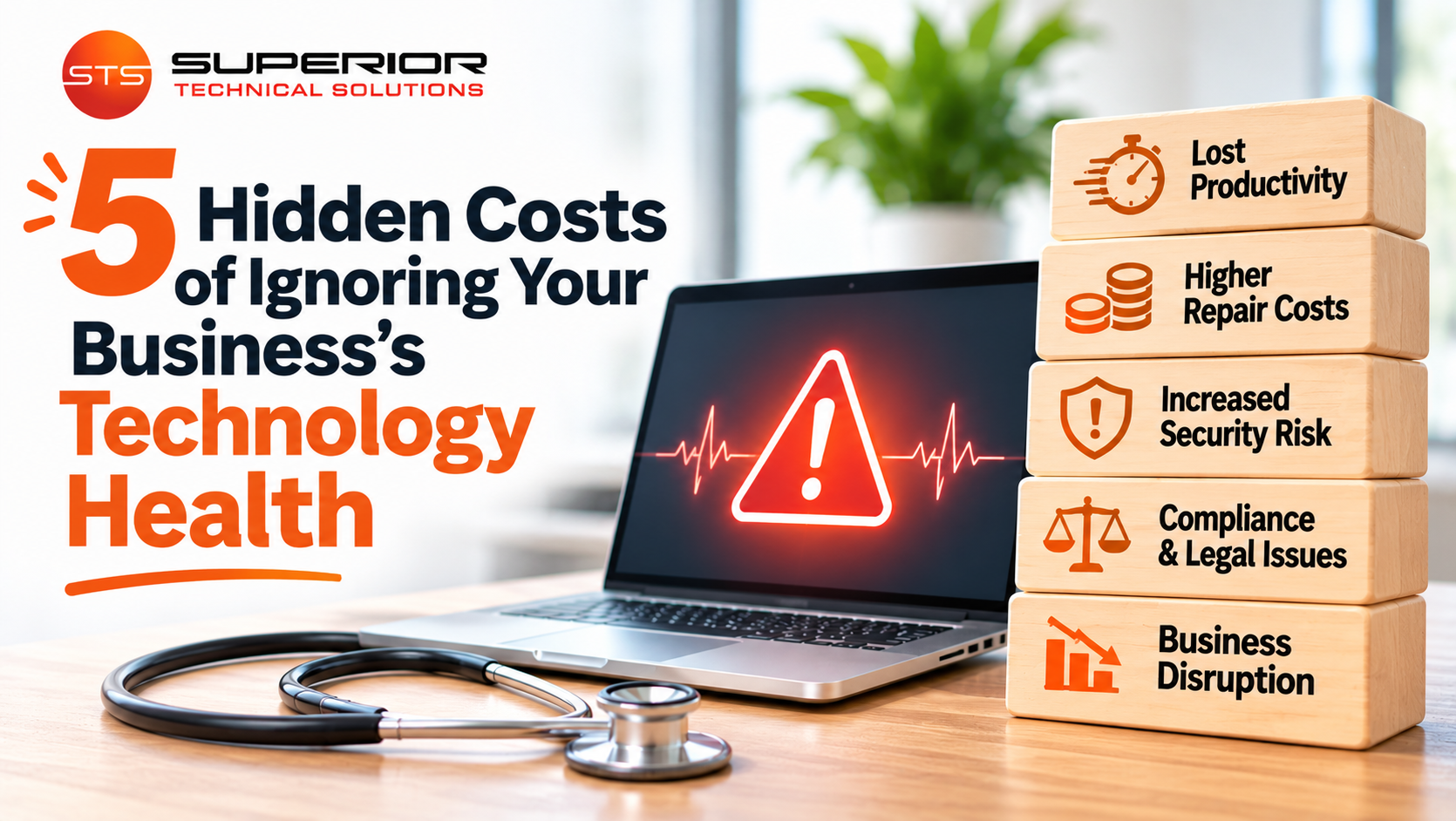
Here are five ways ignoring your technology's health can become more expensive than expected.
1. Emergency Repairs and Unexpected Replacement Costs
Imagine your business has a server that's been running for years.
It's approaching the end of its supported life, but nobody has evaluated its condition or planned for replacement.
Then one morning, it fails.
Employees can't access an important application. Someone has to troubleshoot the problem, determine what failed, and arrange replacement equipment.
If the necessary hardware isn't available, recovery could take longer than expected.
Suddenly, a replacement that could have been planned and budgeted becomes an emergency.
The expense may include more than the equipment.
Depending on the circumstances, your business could face expedited shipping, emergency labor, temporary workarounds, or recovery costs.
Not every hardware failure can be predicted. Newer equipment can fail unexpectedly, too.
But maintaining an accurate inventory and tracking equipment age, warranty status, performance, and vendor support can help businesses plan replacements.
The hidden cost: Losing control over when and how major technology expenses occur.
2. Business Interruptions That Affect Multiple Employees
A technology problem rarely stays confined to one computer.
Imagine the software used to process customer orders becomes unavailable.
The employee responsible for entering orders can't continue working.
But the impact doesn't necessarily stop there.
Someone else may be waiting for information before preparing a shipment. Accounting may be unable to generate invoices. Customers may be waiting for confirmation.
One technology interruption can affect several departments.
And in some businesses, downtime creates additional work.
Orders may have to be entered manually. Information may need to be transferred between systems. Employees might have to review records afterward to confirm nothing was missed.
This is different from an occasional slow computer.
It's about how unreliable technology can interrupt entire business processes.
A useful question is: Which systems would create the greatest disruption if they became unavailable for several hours?
Identifying those dependencies helps determine where maintenance, monitoring, redundancy, and recovery planning deserve attention.
The hidden cost: Operational disruption that extends beyond the system that initially failed.
3. Cybersecurity Risks From Outdated Systems
Technology maintenance isn't only about performance.
It's also about protecting your business.
Software vendors release updates that address security vulnerabilities, fix bugs, and improve stability.
When important updates are postponed indefinitely, systems may remain exposed to known vulnerabilities.
The same concern applies to equipment or software that has reached the end of vendor support.
An unsupported operating system or application may no longer receive routine security updates.
That doesn't mean every older device is automatically compromised.
But it does mean businesses should evaluate the risks and determine whether replacement, isolation, or other safeguards are appropriate.
Consider an employee using an outdated computer to access business email and sensitive information.
If the device no longer receives necessary security updates, that creates a concern worth addressing.
Businesses should also evaluate network equipment, applications, security configurations, and other devices that may not support current protections.
A qualified IT team can help identify unsupported systems and prioritize appropriate action.
The hidden cost: Increased exposure to security incidents that may require investigation, recovery, and additional resources.
4. Customer Frustration and Missed Opportunities
Customers generally don't care which software your business uses.
They care whether you can help them.
Imagine someone calls to place an order.
Your employee tries opening the customer management system, but it isn't responding.
The customer waits.
Or perhaps your scheduling application has been unreliable for weeks, and employees occasionally have to call customers back because they can't confirm appointments.
These situations may seem like small inconveniences.
But repeated problems can affect the experience customers have with your business.
Employees may appear disorganized even when they're doing everything possible to help.
Orders can be delayed. Questions take longer to answer. Important information may not be available when needed.
Depending on the business, ongoing technology problems can also affect opportunities to serve new customers.
It's difficult to quantify the impact without examining actual operations, and one delayed transaction doesn't automatically mean a lost customer.
However, reliable technology helps employees provide more consistent service.
They can focus on customers rather than apologizing for systems that aren't working.
The hidden cost: Customer experiences and potential business opportunities affected by avoidable technology problems.
5. Unpredictable Technology Budgets
Technology expenses are easier to manage when you know what's coming.
Imagine your business has fifteen computers.
Several were purchased around the same time, but nobody has been tracking their age, condition, or warranty information.
Over the next year, multiple employees begin experiencing problems.
Now you're purchasing replacements as complaints arise, without knowing how many others may need attention soon.
That's a difficult way to budget.
The same challenge applies to network equipment, servers, software subscriptions, and other technology investments.
Without lifecycle planning, expenses can feel random.
A more organized approach starts with knowing what equipment and software you have, its condition, and when changes may be necessary.
That information helps businesses prioritize purchases, spread planned expenses over time, and avoid unnecessary surprises.
Not every technology expense can be predicted.
Unexpected failures and changing business needs will still happen.
But having a technology roadmap helps distinguish planned investments from emergencies.
The hidden cost: Financial uncertainty and rushed purchasing decisions that could have been better planned.
What Does Healthy Business Technology Actually Look Like?
Technology health isn't simply about whether computers turn on.
A well-managed environment considers reliability, security, performance, supportability, and future business needs.
That may include monitoring critical systems, maintaining updates, reviewing backup results, tracking equipment, and investigating recurring problems.
It also involves understanding how technology supports daily operations.
For example, a computer that performs adequately for basic email may struggle with specialized software.
A network that works well for a five-person office may no longer be sufficient after the business doubles in size.
Technology needs change as an organization grows.
Regular reviews provide opportunities to identify concerns before they become urgent.
Should You Replace Equipment Just Because It's Old?
Not necessarily.
Age matters, but it shouldn't be the only factor.
Equipment should be evaluated based on performance, reliability, security support, warranty status, compatibility, and business requirements.
A computer that's several years old may still perform reliably and receive appropriate updates.
Another computer of the same age may struggle with everyday applications.
Likewise, some network equipment can remain useful for years when properly supported.
The goal isn't to replace everything on an arbitrary schedule.
It's to make informed decisions about what should be maintained, upgraded, replaced, or retired.
That helps avoid both unnecessary purchases and excessive dependence on unreliable systems.
How Can Businesses Identify Problems Before They Become Expensive?
You don't need to be a technology expert to start asking useful questions.
Consider:
Which devices or applications cause recurring support issues?
Are our operating systems and important applications still supported?
Are security updates being applied and verified?
Are backups monitored, and have restores been tested?
Which equipment is approaching replacement age?
Are employees working around problems they haven't reported?
Do we have a technology budget for the coming year?
Your IT provider should be able to help answer these questions for the systems it manages.
Not every issue requires immediate spending.
Some can be addressed through maintenance, configuration changes, training, or future planning.
Others may require prompt attention because of their potential impact on security or operations.
The important part is knowing the difference.
Technology Health Is an Ongoing Investment
Nobody wants to spend money on technology unnecessarily.
And no business has an unlimited IT budget.
But postponing maintenance doesn't necessarily eliminate expenses.
Sometimes it simply changes when those expenses appear and how disruptive they become.
A planned replacement is easier to manage than an unexpected failure. A recurring problem is easier to address when someone investigates its cause.
The goal isn't having the newest technology.
It's having systems that support your business reliably, securely, and efficiently.
So here's a question worth considering as you prepare next year's budget:
Are you planning for the health of your technology, or mainly paying attention when something stops working?
The difference can have a meaningful impact on your business.